

Building a fully silent NAS
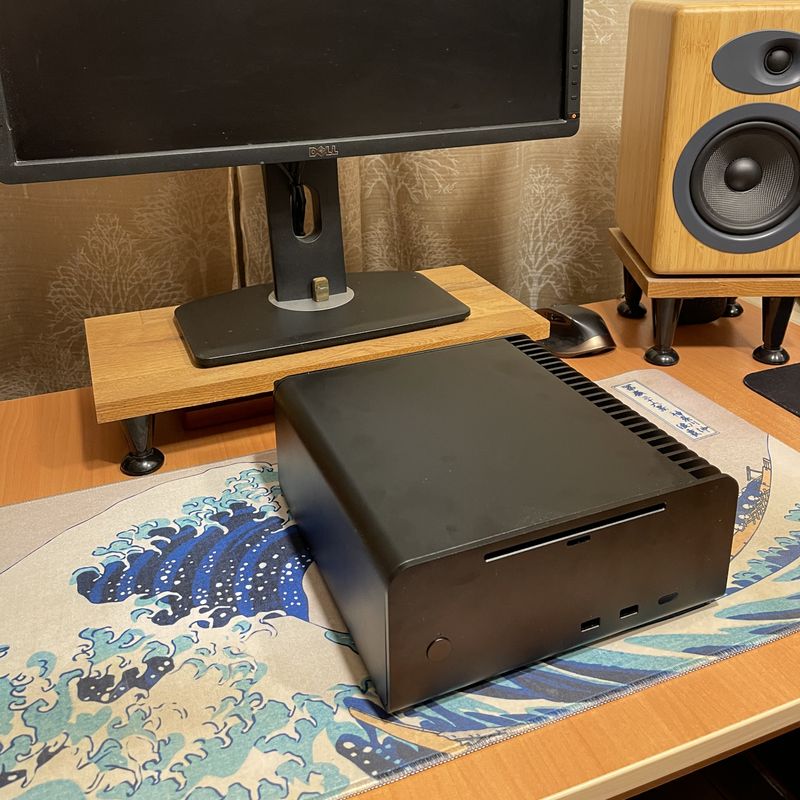
We're in the age on insane component prices and limited availability, probably the worst time in history to build a network attached storage (NAS). Yet, here it is, an over-engineered system built with one purpose - to serve my files in full silence.
This means it has to be fanless, with no component emitting coil whine. It also has to contain only SSD since HDD are, well, not silent.
To build such a system, you first need a good case. There aren't many choices available, but you can't go wrong with Streacom cases. I got the Streacom FC8 V3.
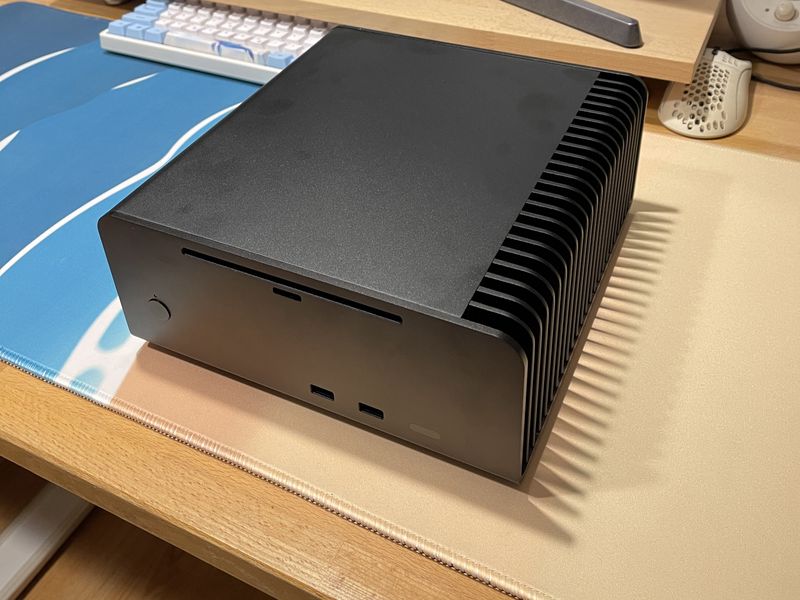
The case comes with the CPU cooling block and all the necessary pipes.
I did have to buy the extra riser block because the RAM sticks stood in the way.
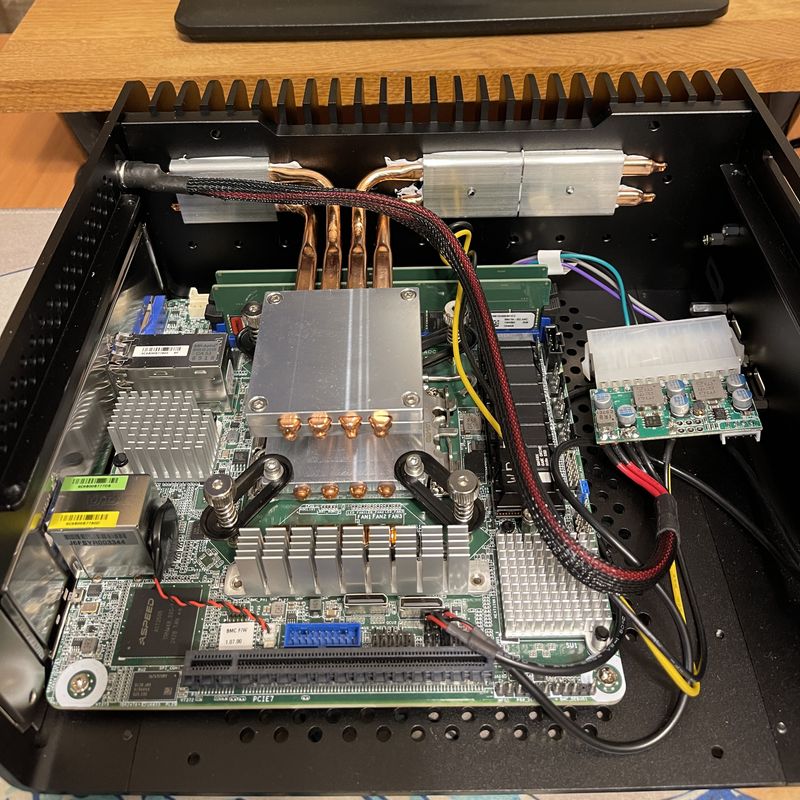
Speaking of RAM, I went with 64GB ECC UDIMM, because Internet said cosmic bit flips can corrupt my data. I later found out that these are extremely rare events, maybe once per year. I doubt such a rare bit flip can damage my movie collection, but ok, let's do ECC.
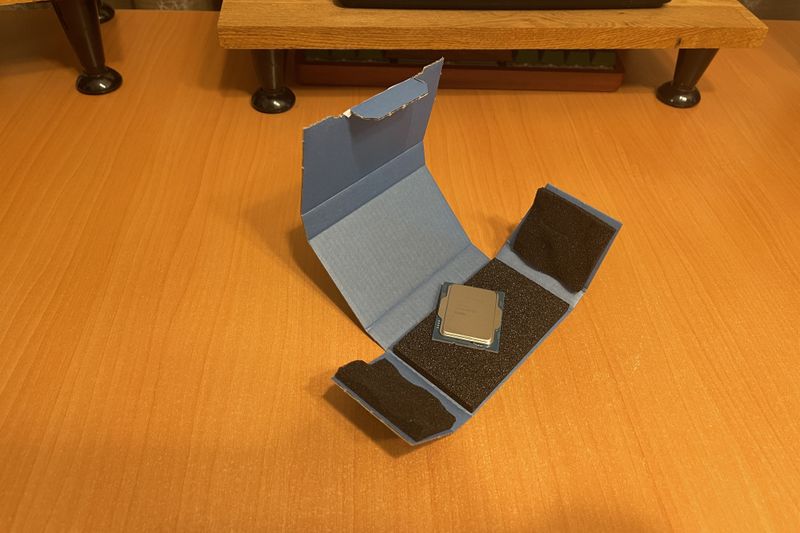
I needed a CPU with official ECC support. AMD unofficially supports ECC on their consumer CPUs. I don't know what that means, but when I hear unofficial, I feel anxious. This is a serious build, so we need Intel.
Xeon E-2414 is the CPU I went with. Great job with the packaging, Intel.
The other elephant in this build is the motherboard. This little beast, ASRock Rack EC266D2I-2T/AQC mini-ITX, supports 10Gbe ethernet, IPMI, Occulink and has a full size PCIe slot.
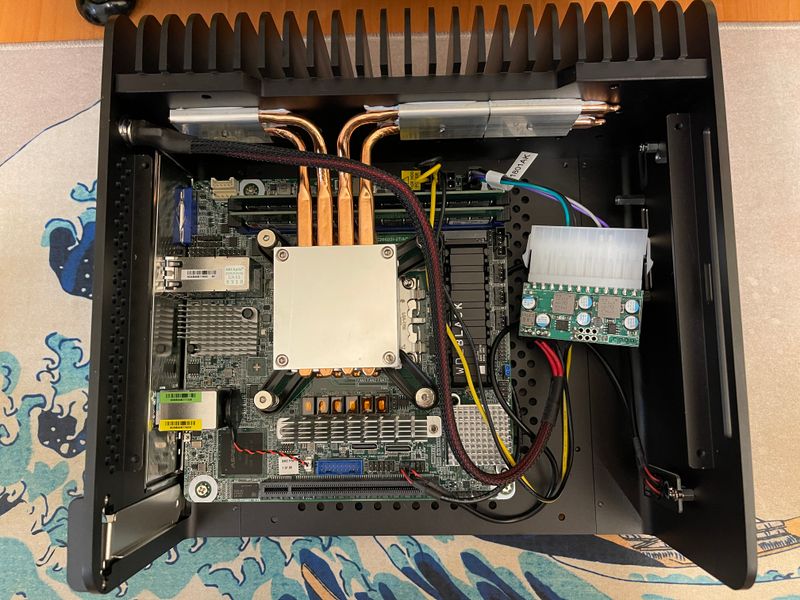
Let's move on to the drives.
The case officially supports only 4 SATA SSD. That's not enough for a killer NAS setup. Let's try to double that. The problem is most adapters that are supposed to hold 2 drives are too tall. We don't have enough space in the case.
Let's improvize our own. I don't have a 3D printer so I cut these pieces from a plastic card.
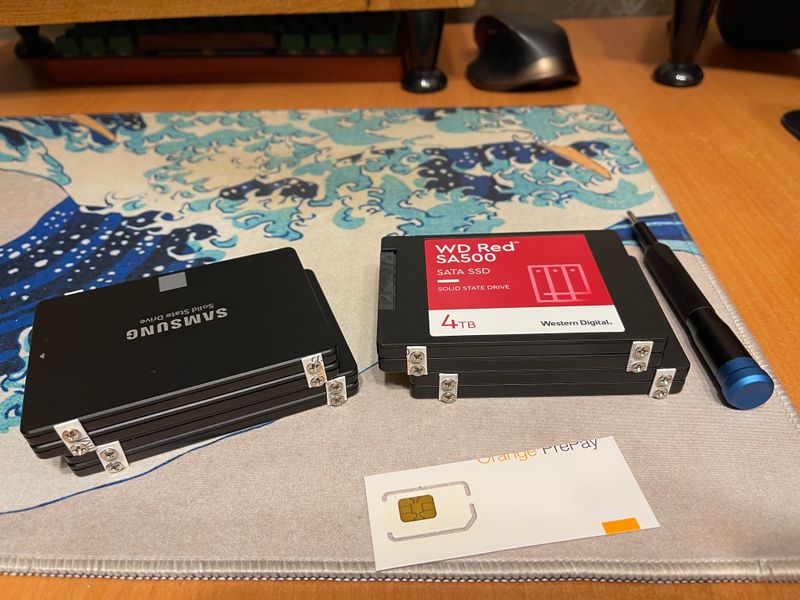
We are ready to mount them on the metal plate that comes with the case.
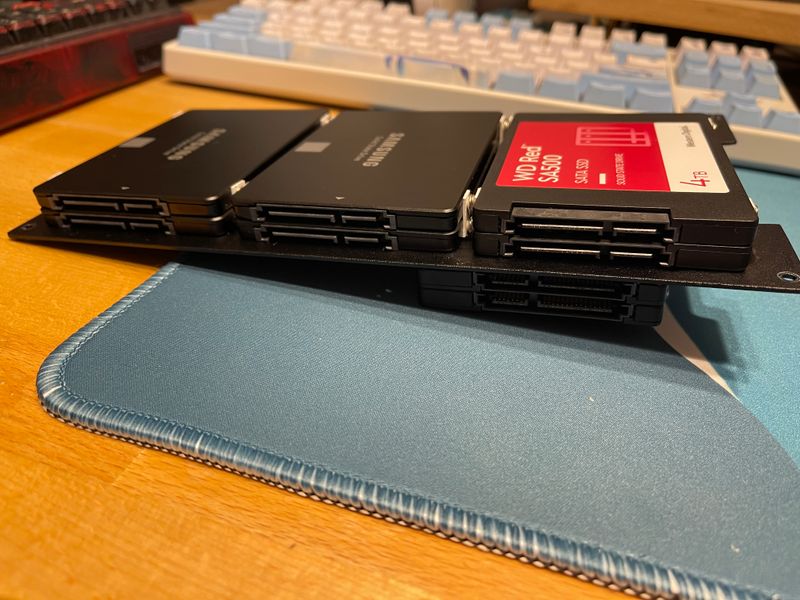
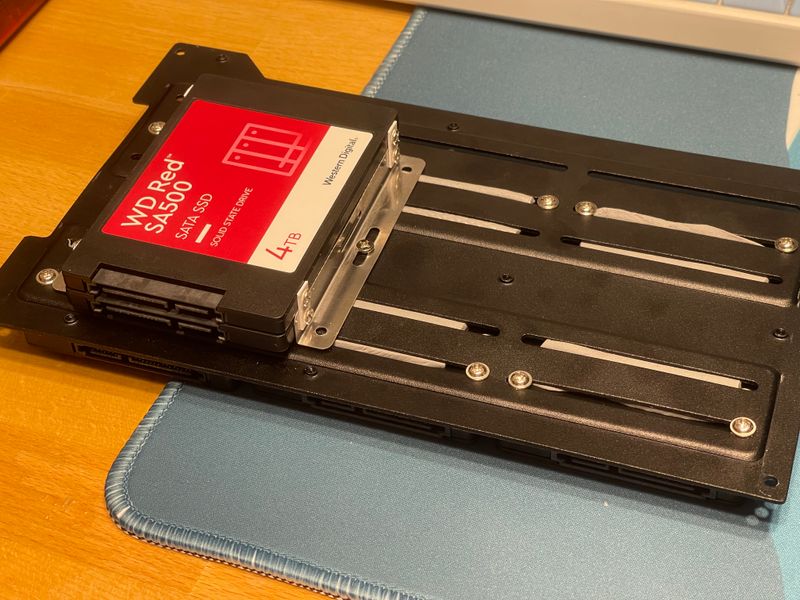
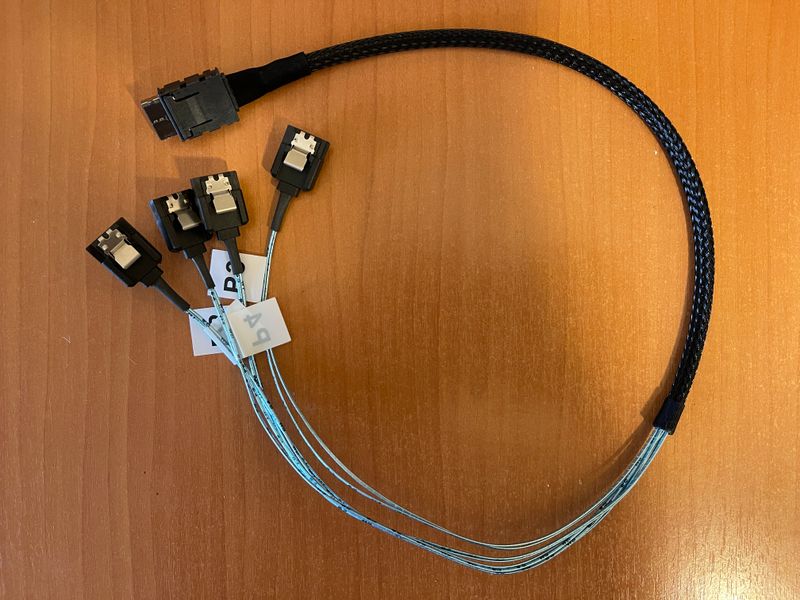
One small problem, the cable below. Occulink to SATA. It's a very slim cable that makes the whole build very neat. Imagine having to cram 8 SATA cables in our tiny case instead of this one.
As a background, the Occulink interface can carry both SATA and PCIe signals (you can hook an external GPU or a PCIe SSD), but we're going to use it in SATA mode and connect 8 drives to our 2 Occulink headers on the motherboard.
Unfortunately, the motherboard came with only one cable, and finding another one is not easy. It's still relatively new tech.
I ordered a random cable from Amazon and predictably it didn't work. A small setback that wasn't going to stop this build. Second cable was from Delock, the good stuff.
Another thing I wanted to add to the system was 2 NVMe SSD. This wasn't planned initially, but I wasn't going to waste the only PCIe slot on the motherboard.
This lead me to an interesting journey of finding the correct dual NVMe adapter to hold my drives.
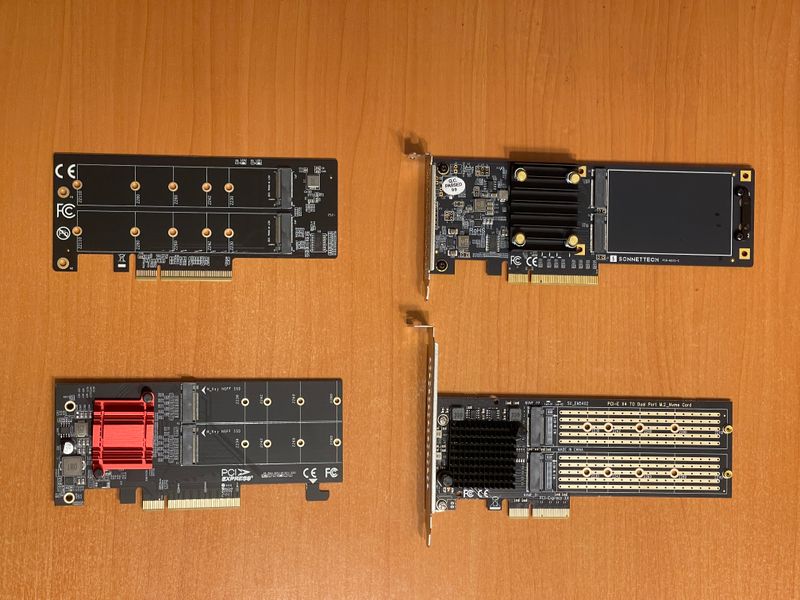
The first one (bottom left) does not have enough space for two SSD with heatsinks. My SSD have heatsinks. Next.
The second one (top left) requires x4x4 bifurcation on the motherboard. My motherboard supports bifurcation, but only x8x8. This means that only the first SSD will be "seen". Mostly an Intel limitation, I hear that AMD boards support proper x4x4x4x4. This was a mistake on my part, I didn't do the proper research.
Third one (top right) does not require bifurcation since it has an integrated chip that handles that. Unfortunately it emited unbearable coil while. This is a silent system, next please.
Fourth one was finally good, it has an onboard bifurcation chip and does't make any noise. Still it's only PCIe 3, so not perfect.
The quest is still on to find a good silent dual NVMe adapter with PCIe 4, but for now this is ok.
Moving on, I added this contraption to the USB header on the motherboard. It's an adapter with 2 flash drives for holding non-critical stuff like ISOs. In fact I have no real purpose for them, they just add extra flair to the setup.
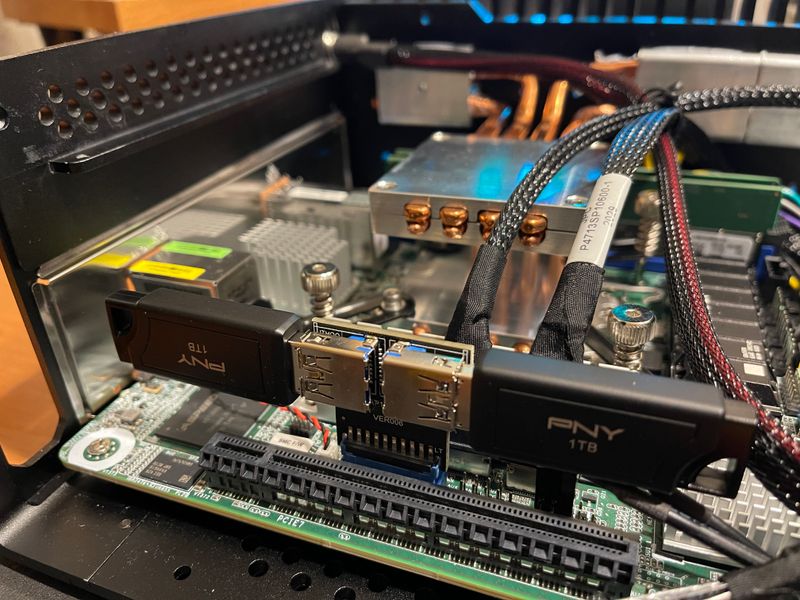
Time to wrap everything up and close the case.
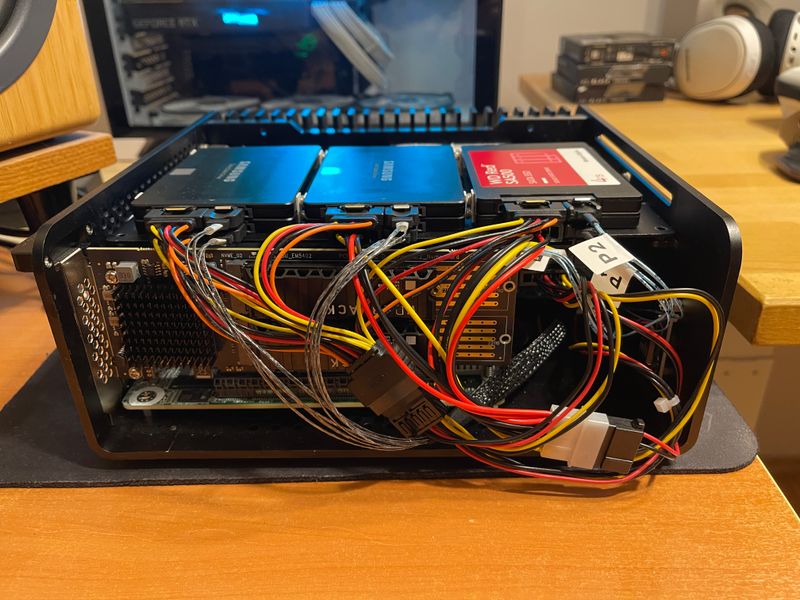
But not before we add some thermal paste and thermal pads.
I put some paste to the side where the metal plate holding the SSD makes contact with the case.
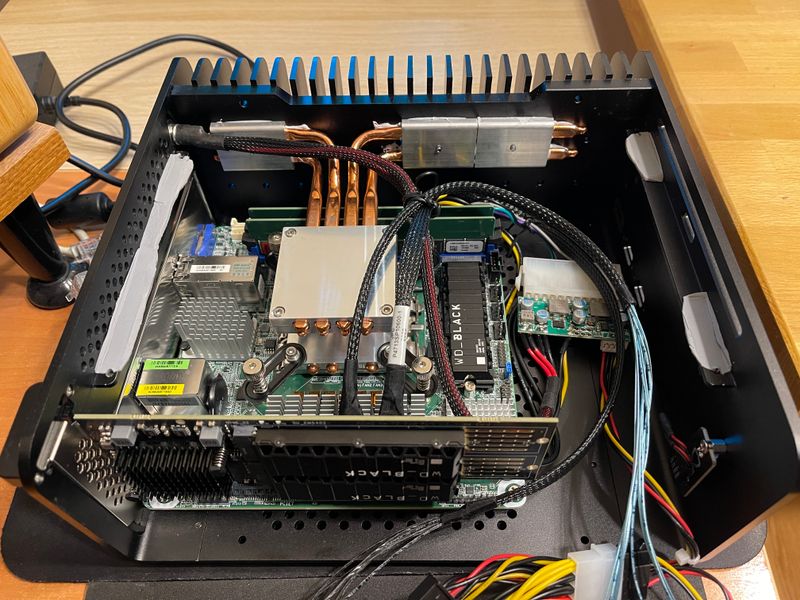
I've also put paste between the drives so they "share" their heat. Good or bad idea? I don't know.
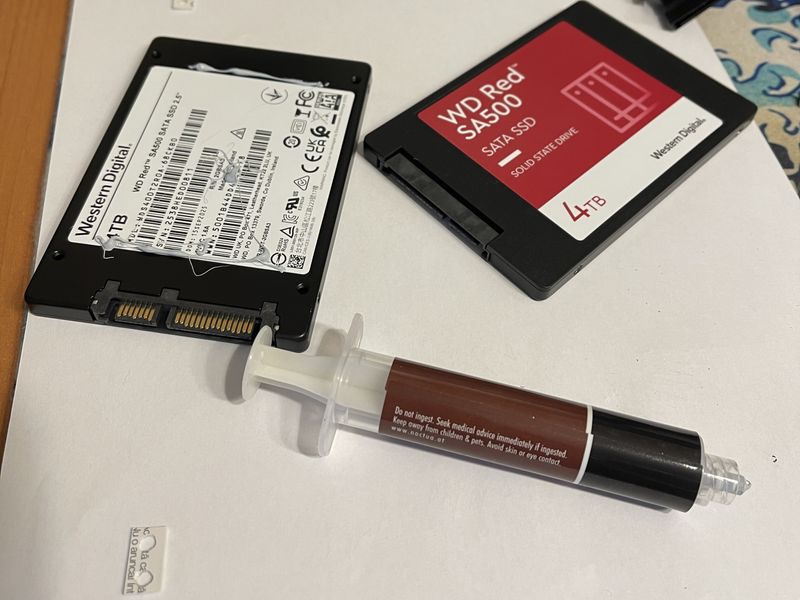
Finally some pads to make contact with the case top plate.
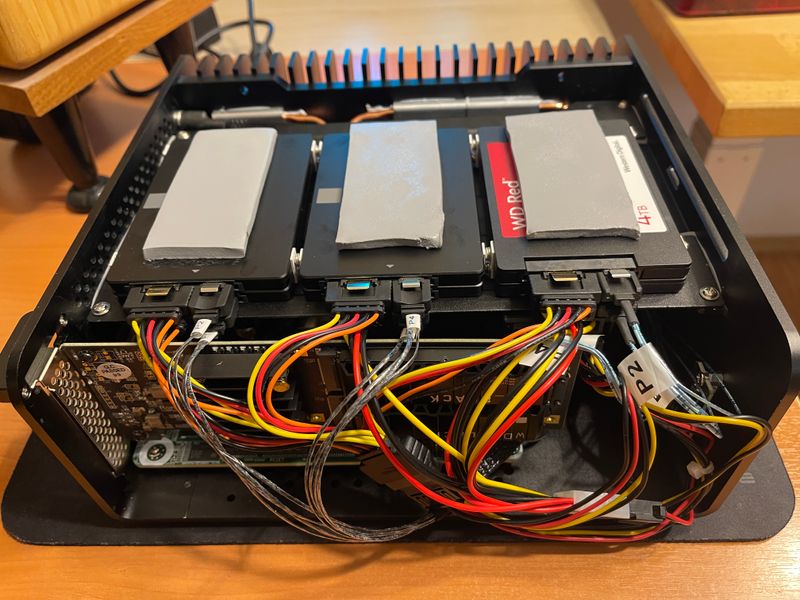
All done, time to boot this monster.
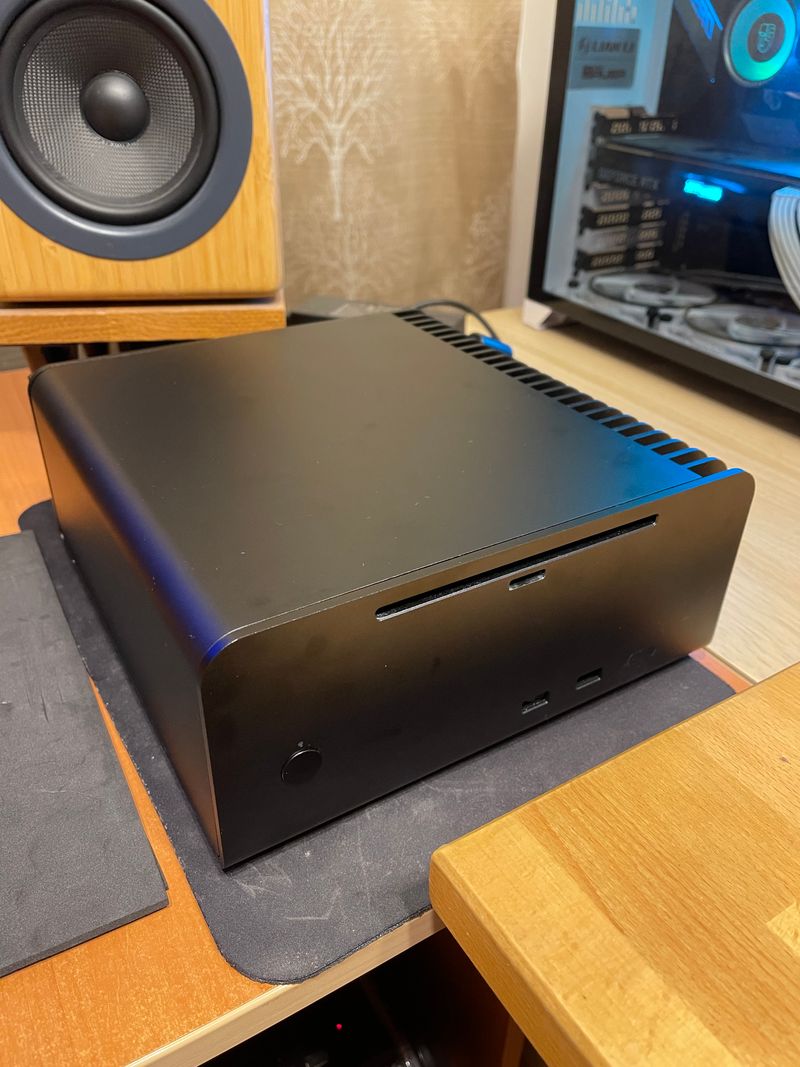
Some stats:
- temps for the SATA SSD are in the range of 45-50 °C
- there are two SATA SSD beneath the metal plate. Those heat up to 55 °C, poor things
- NVMe SSD sit at 57-60 °C
- idle power consumption 35W
There is obviously the concern that the higher temps will reduce the lifespan of the drives. That's entirely possible. Warranty is 5 years, let's see if they make it to that point.
Comments